vicimus@ops:~$ status

We conquer legacy systems

AI-accelerated software development — fast, cost-effective custom apps and Access database conversions to modern web apps.

If the business still runs on a Microsoft Access file on someone’s desktop, or you need a custom app without a bloated process, that’s the work. We inspect the old system, build the new one, move the data, and get you live.

~/services Five ways in

Pick the job that matches the mess

Access conversion is the specialty. Custom software is the rest of the shop. Both get the same rule: working software you can click, not a slide deck.

./convert --from access --to web

Access-to-web conversion

Take a Microsoft Access database — tables, forms, reports, and the tribal knowledge in the queries — and rebuild it as a modern web app the team can use from a browser.

  • tables and relationships mapped
  • forms rebuilt as web screens
  • reports as live views or exports
  • access from any modern browser

./build --app custom

Custom development

Web applications built around how you actually work. Specs stay short. You see working software early, not after a six-month discovery theater.

./migrate --verify

Data migration

Schema mapping, dry runs, and a cutover plan. Records should still mean the same thing on the other side. We don’t “export to CSV and hope.”

./integrate --systems

Integrations

Accounting, email, file storage, internal APIs. The new app should talk to the rest of the shop instead of becoming another island.

./maintain --retain

Maintenance

After launch: fixes, small features, backups, and someone who still knows the system. Optional, but most teams want it.

~/process A straight line

Discover, build, migrate, launch

No theater. You see the system at every step, and you sign off on data before go-live.

  1. Discover

    We sit with the current system and the people who use it. What it does. What it breaks. What must survive the move.

  2. Build

    We implement the new application in slices you can click. Feedback is weekly, not at the end of a black box.

  3. Migrate

    Data is mapped, tested on a copy, then moved. You review a dry run before anyone cuts over production.

  4. Launch

    Cutover, training notes, and a short hypercare window. Then it’s yours — with us on maintenance if you want it.

~/work placeholders

Case studies live here when they’re real

These slots are reserved for write-ups of actual projects. We don’t invent customer names, quotes, or logos.

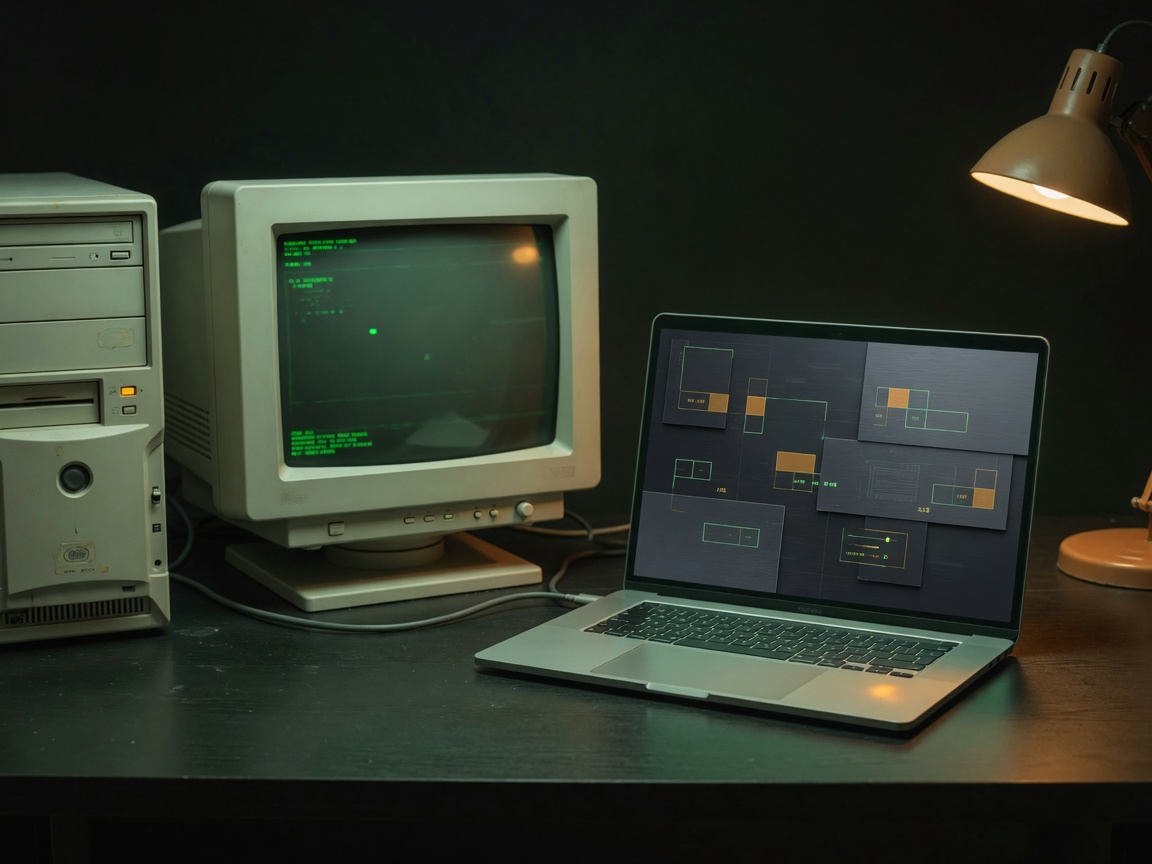
Placeholder: old office PC beside a modern laptop showing a dark web interface
placeholder

Access → web

A typical conversion: desktop Access to a browser app, data moved, staff trained. Full write-up after the first public case.

Placeholder: laptop in a back office showing an abstract dark dashboard
placeholder

Custom internal tool

A typical build: a small team’s process taken off spreadsheets and into a purpose-built web app.

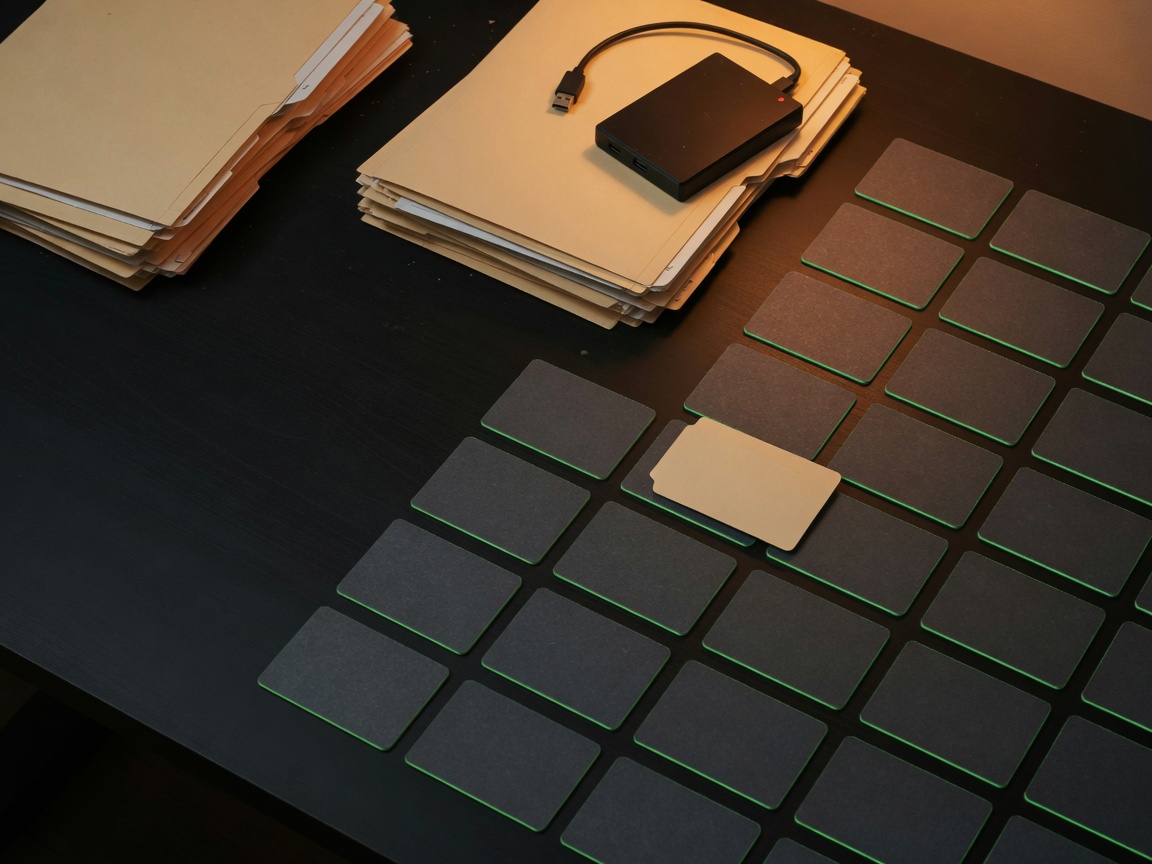
Placeholder: folders and a hard drive giving way to orderly dark cards
placeholder

Migration + integrations

A typical follow-on: records moved, then wired to the accounting or file tools already in use.

~/faq Straight answers

What people ask before they send the file

Do you only convert Access databases?

No. Access conversion is a specialty because so many small businesses are stuck there. We also build custom web apps from scratch.

What does “AI-accelerated” actually mean?

We use AI to move faster on scaffolding, migration scripts, tests, and boilerplate — not to skip understanding your system. You still get an engineer accountable for the result.

How long does a project take?

It depends on the size of the database, the number of forms and reports, and how many integrations you need. A focused conversion can be weeks; a broader rebuild takes longer. We’ll give you a range after we see the system — not before.

Will the new app work on phones?

Yes. We build mobile-first web apps. If a workflow is too dense for a phone, we design a usable subset rather than pretend a 40-column datasheet belongs on a 6-inch screen.

What happens to the old Access file?

It can stay as a read-only archive. Production moves to the web app. We don’t delete your history unless you ask.

How do we start?

Email contact@vicimus.us or use the form. Send a short description of the system — Access, Excel, or a custom need. If it’s a fit, we schedule a working session to inspect it.

~/contact Start a project

Ready to retire the desktop database?

Tell us what you’re running. We’ll tell you if we should take it on. No pitch deck. A working session if it’s a fit.

Email contact@vicimus.us.

Don’t paste passwords, customer lists, or the database file into the form. We’ll ask for those over a channel we agree on.

to: contact@vicimus.us

Required fields are marked. This sends to contact@vicimus.us.